


8 Best IDEs for Golang Development & How to Choose the Right Go IDE




Golang (Go) is a popular language for building backend services, APIs, and infrastructure applications. Although Go is designed to keep code clear and tools straightforward, real-world development involves managing packages, running tests, navigating large codebases, and debugging concurrent execution.
At this point, a simple text editor is no longer sufficient. An Integrated Development Environment (IDE) becomes critical for code navigation, debugging, testing, and build support.
Go is a well-known component of production systems. According to the Stack Overflow Developer Survey 2025, Go is one of the most popular languages for backend and infrastructure development. This is because it is utilised in internal platforms and long-running services where accuracy and maintainability are crucial.
Go projects tend to grow in size over time, so developers end up working harder on understanding existing code than on writing new files. The capability of teams to analyze packages, follow the execution flow, test code, and inspect changes is directly affected by the quality of the IDE.
This article breaks down the IDEs most commonly used for Golang and explains how to assess them based on real development work, not marketing claims or surface-level features.
Why IDE Choice Matters for Golang Development
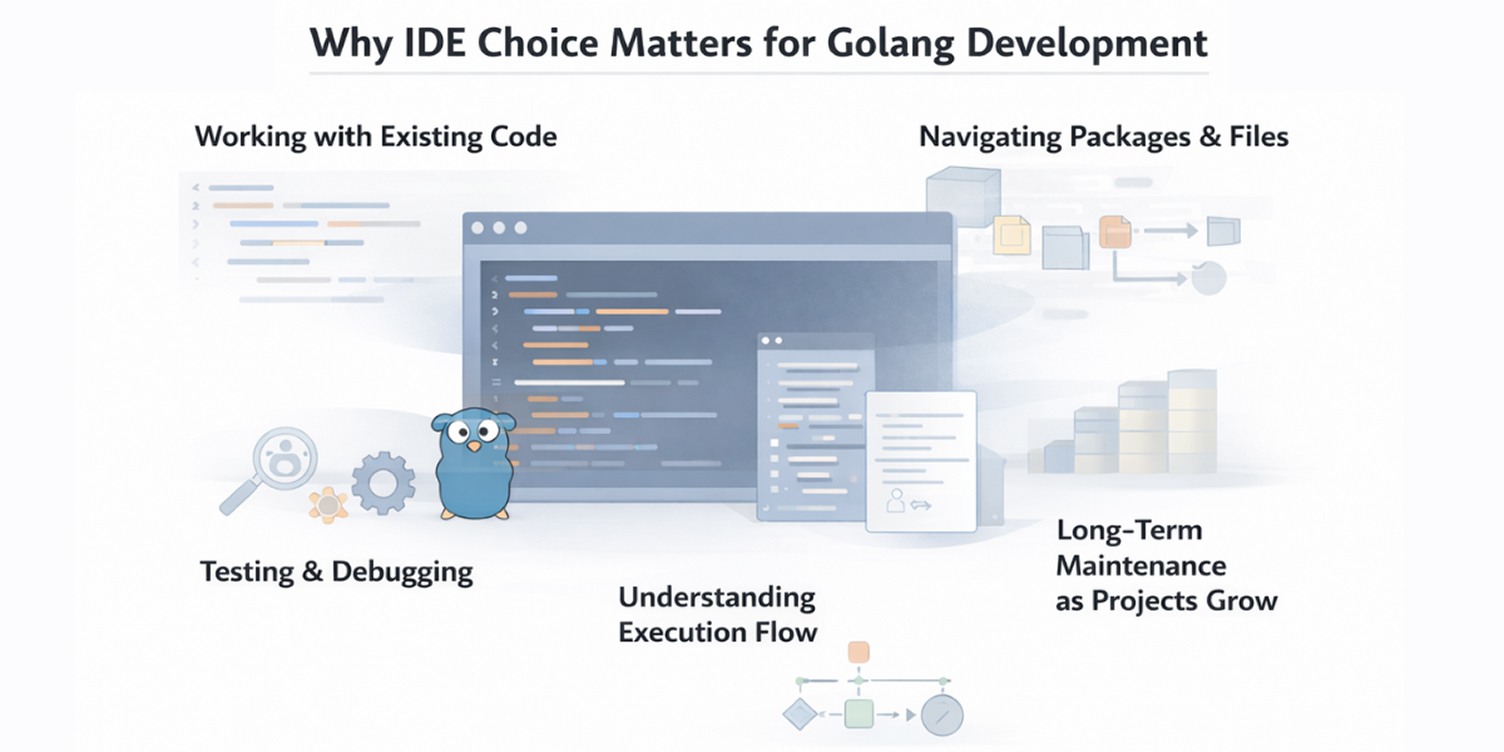
Working With Existing Code
Friction in developers' daily work has often prompted the search for a Go IDE. With the rise of Go projects, time is no longer spent writing new code; it is spent navigating packages, reading interfaces, executing tests, and inspecting changes. The IDE becomes the primary place where this work happens, which is why the choice has a direct impact on productivity.
Differences in Go Support
These activities are not managed similarly among Go IDEs. Others are extremely dependent on third-party utilities or extensions, and others give more insight into the package structure, type system, and module organization of Go. These variations influence the speed at which developers locate definitions, tracks of execution, and comprehend unfamiliar code.
Practically, this is usually reduced to a versatile IDE or something simpler like a code editor, and the extent to which they anticipate the native intelligence of Go without using extensions. Minor flaws in IDE support might not be that big at the beginning, but they become more difficult to overlook as projects increase.
Testing and Debugging
A different set of trade-offs are brought about by testing and debugging. Some IDEs allow one to run specific tests, debug failures and step through execution without exiting the editor. Others heap the major part of it upon the terminal. The gap would be more prominent in workflows that are based on a containerized environment or remote configurations.
Long-Term Impact
IDE choice also has long-term implications. As Go codebases evolve and change hands, maintaining clarity becomes harder than adding new logic. An IDE that consistently surfaces structure, relationships, and change history makes it easier to modify code safely and onboard new contributors without introducing avoidable errors.
This sets the context for comparing the IDEs most commonly used for Golang development and understanding where each one fits best.
Top 8 IDEs for Golang development
1. GoLand
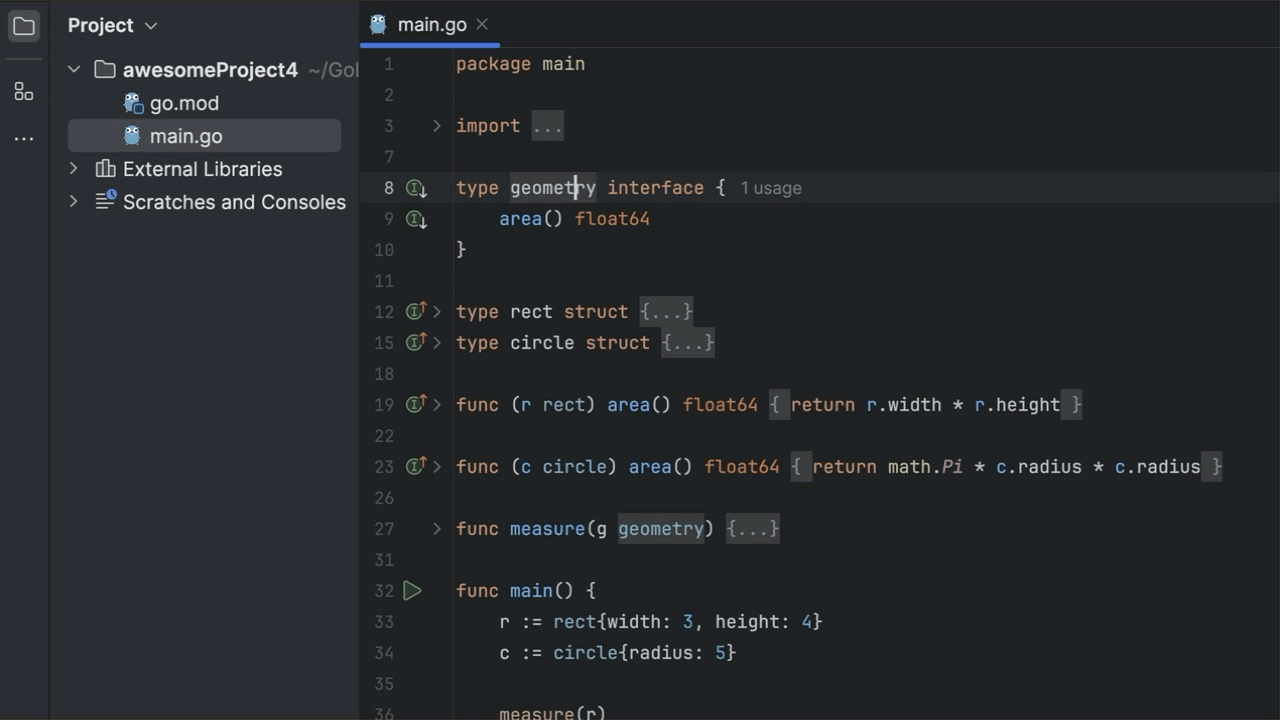
GoLand is a dedicated IDE designed specifically for Golang. It is commonly used in projects where Go is the primary language and the codebase is expected to grow over time. Developers usually evaluate GoLand when they want strong Go support without relying on external plugins or extensive setup.
Its strongest advantage shows up in day-to-day code work. GoLand has a solid grasp of Go’s package structure, modules, and type relationships, which makes it easier to move through unfamiliar code and make changes with confidence. In larger projects, navigation and refactoring remain dependable instead of becoming brittle as complexity increases.
Testing and debugging are integrated into the normal editing flow, which helps reduce friction during routine development. In team environments, this consistency becomes more important over time. Projects behave the same across machines, making reviews easier and reducing the small tooling differences that often slow maintenance and onboarding.
Pricing and availability
GoLand is a commercial IDE from JetBrains and is available with a free trial.
2. Visual Studio Code (VSCode)
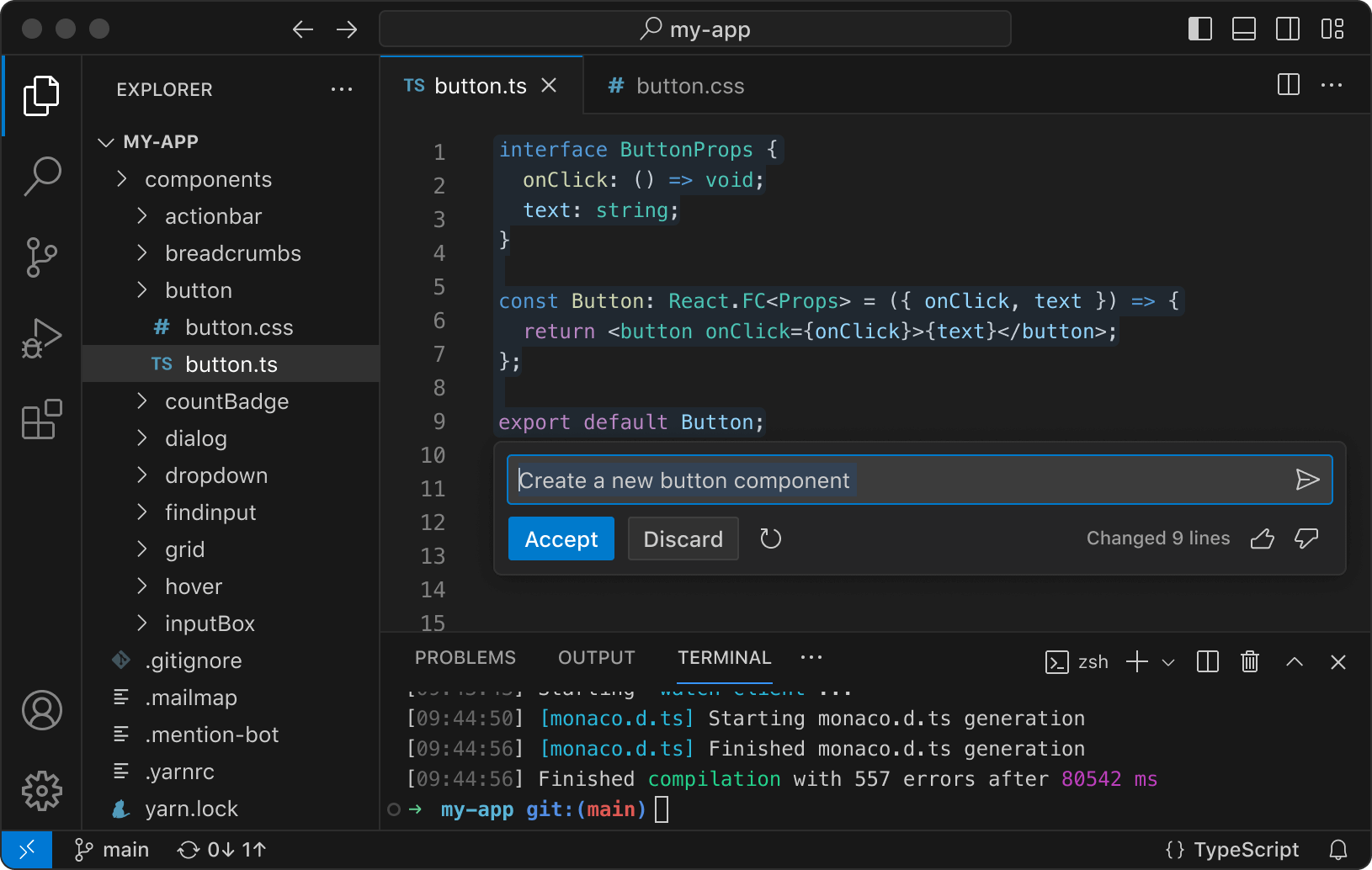
VSCode is widely used for Golang development, especially by developers who want a free and flexible setup. It is often chosen by individuals or teams that work across multiple languages, particularly teams working across different types of software projects, and prefer an editor that can be adapted to different workflows rather than a Go-only environment.
VS Code now supports the most common workflows of Go that a developer typically requires, but does not obstruct. Code navigation, code formatting, code testing, and basic debugging are fast and responsive, and it fits the day-to-day development process. Even when projects increase, the editor remains quick, and it is easy to move among files and projects without being slowed down.
The other notable strength is the compatibility of VS Code in mixed environments. It is a stable program operating on both Windows, macOS, and Linux and can comfortably co-exist with other programs and tools. This flexibility in teams or individuals who switch between various projects gives Go development the chance to coexist with everything else in the same editor, and it does not need a separate, language-specific environment.
Pricing and availability
Visual Studio Code is a free editor developed by Microsoft, with Go support provided through extensions.
3. LiteIDE
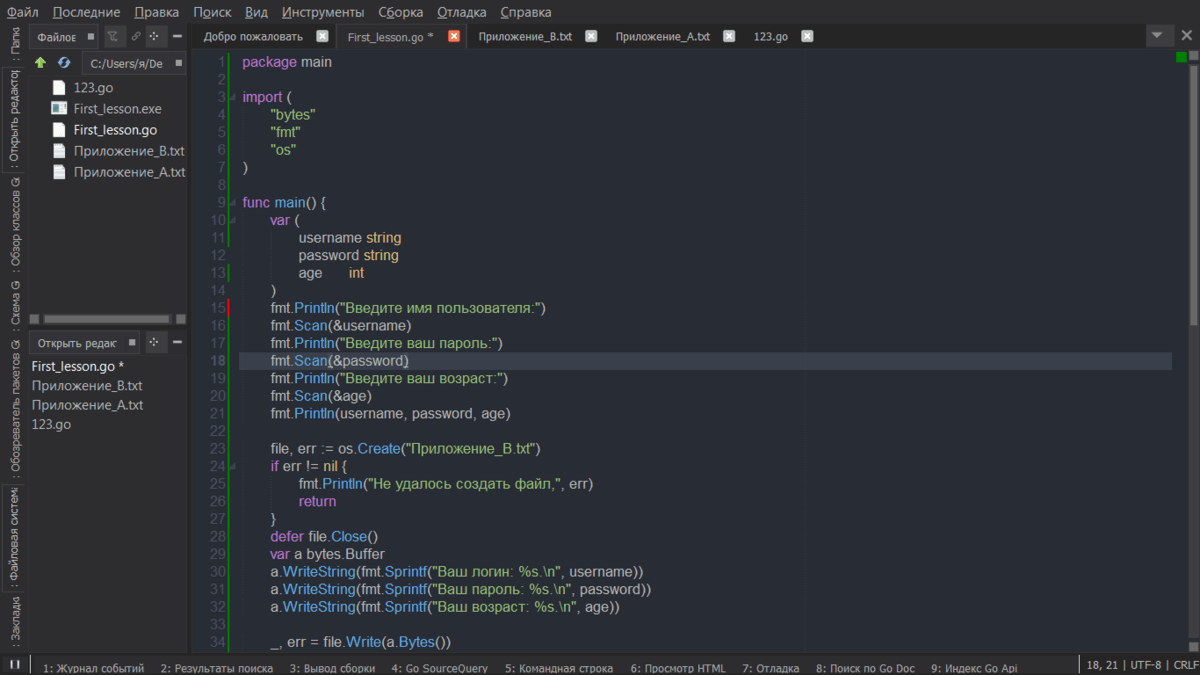
LiteIDE is a lightweight (open-source) IDE created with Go development in mind. It is about offering a basic, easy-to-use interface with inbuilt support of general Go workflows, without the usage of an extensive set of plugins or a vast setup.
The most useful aspect of LiteIDE is targeted Go workflows that do not require extensive tooling. It manages day-to-day activities such as code browsing, binary building, and executing applications without getting in the way. To developers of small services, utilities, or individual developers, this makes the development cycle brief and predictable.
The same narrow focus would restrict the scalability of LiteIDE. It has limited support in more refactoring, advanced debugging, and large, growing codebases than larger IDEs. These holes are likely to appear either as a project expands or a set of developers requires more powerful tooling to operate safely on the same code.
Pricing and availability
LiteIDE is free and open source, and available on Windows, macOS, and Linux.
4. Vim with Go Plugins
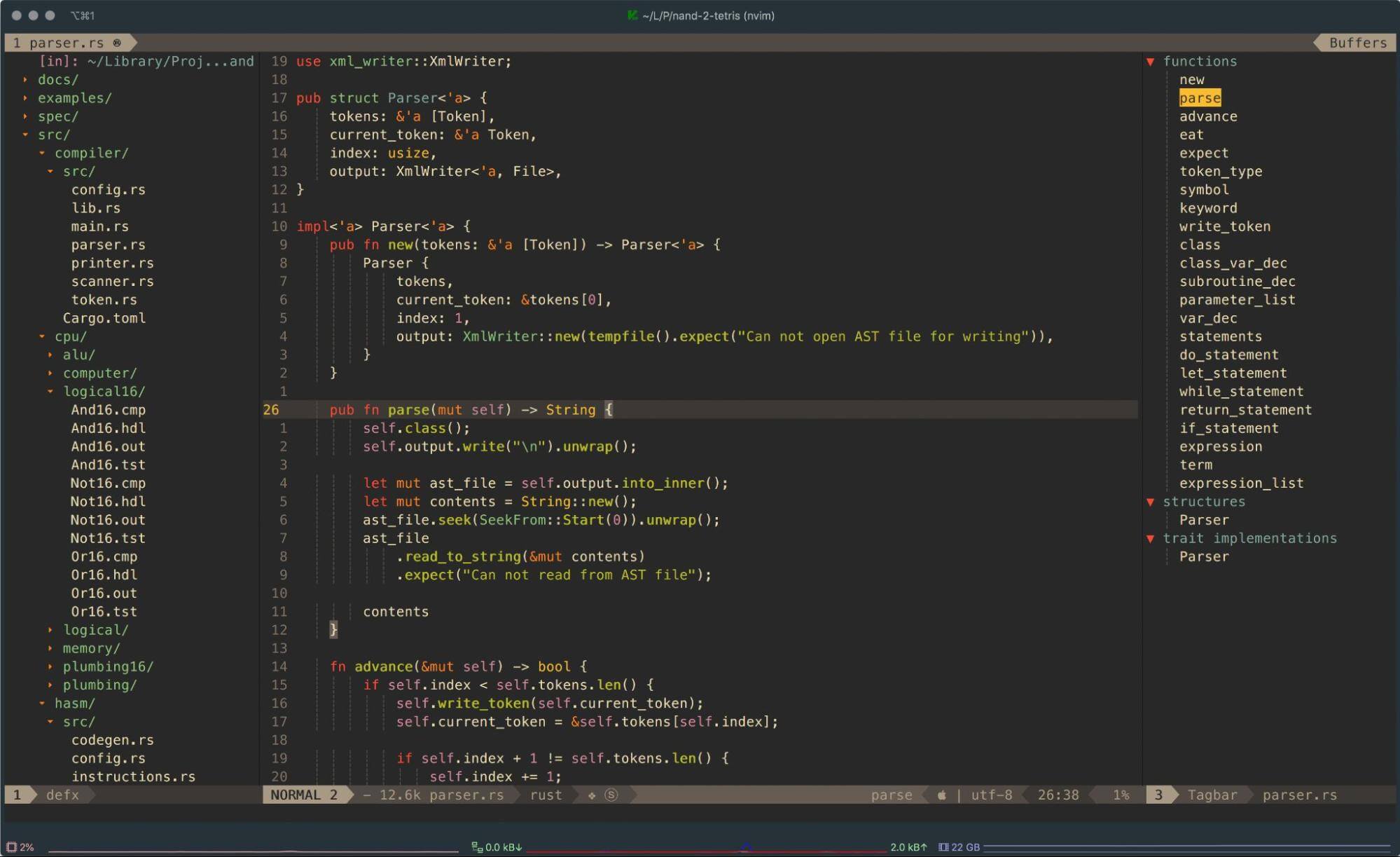
Vim is an ancient text editor which may be set up to develop Golang using Golang-specific tooling. Utilizing the appropriate setup, it facilitates typical Go workflows including code formatting, navigation and test execution. Go support is not in-built and relies on outside tools and set up options.
Vim does not tend to be a full-fledged development environment, but instead a component of a command-line-based workflow. Developers open Vim and write code as fast as possible and use external tools to build, test, and format.
In this application, Vim has always remained nimble and reliable, even when it’s required in large Go repositories, since it is only involved in editing and not attempting to coordinate the entire process.
This method is effective among those developers who are already practicing Vim in the local machines, remote servers, and SSH sessions. The fact that the same editor is used everywhere makes switching environments more friction free and allows the user not to relearn tooling.
In infrastructural-heavy or terminal-centric infrastructure, Go development would be a feasible option since Vim is a tool that can be easily integrated into an existing process, rather than substituting it.
Pricing and availability
Vim is free and open source on Windows, macOS, and Linux.
5. Sublime Text with Go Plugins
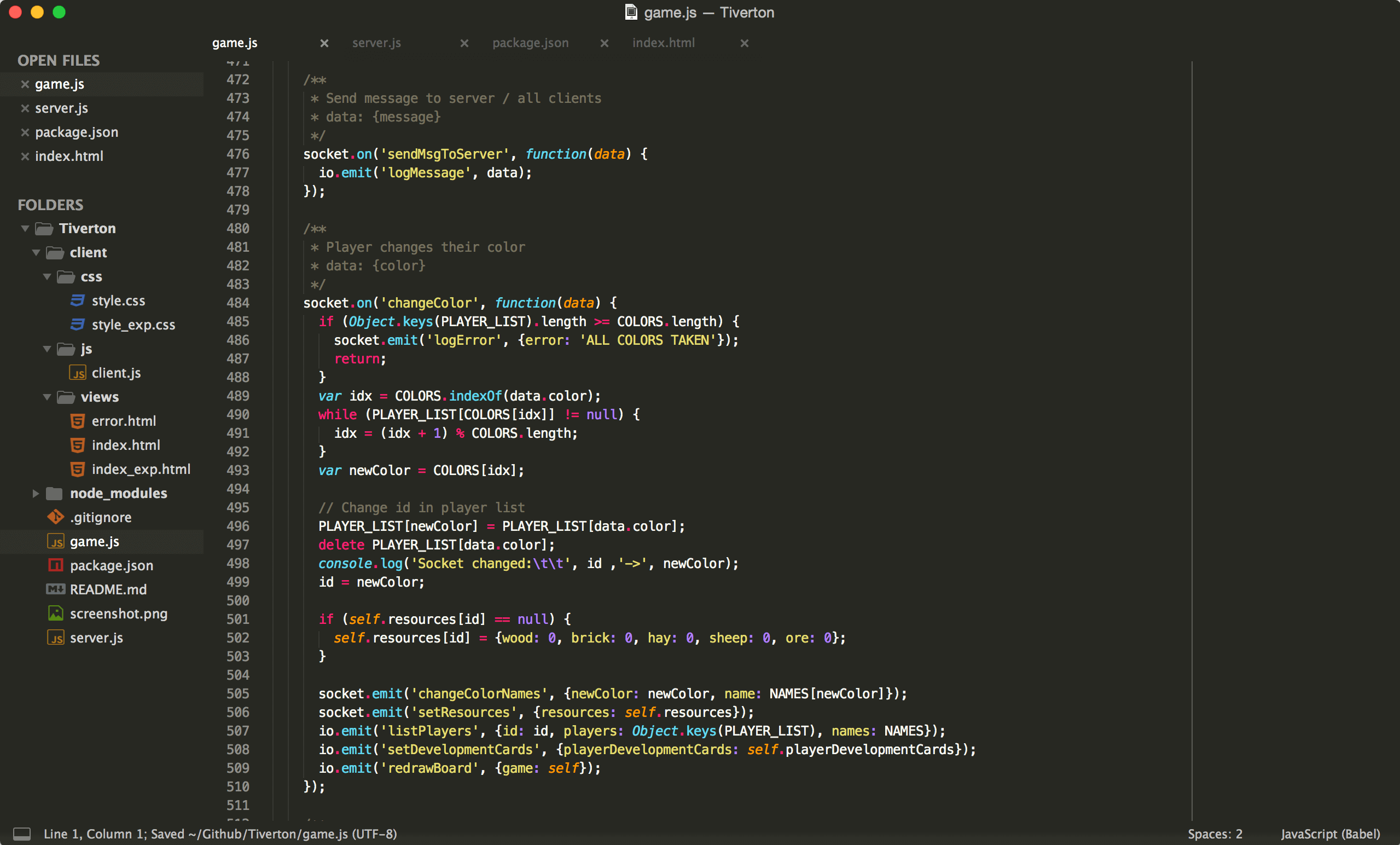
Sublime Text is a popular, lightweight text editor that supports Golang development through tools such as GoSublime and other Go packages. It is commonly used for fast code editing and navigation, with Go tooling layered on as needed rather than built in by default, which works well when building backend applications with Go.
Sublime Text is often used when fast access to code matters more than deep tooling. It starts almost instantly and stays light on system resources, even when opening large Go files. This makes it useful for quick edits, inspections, or jumping through unfamiliar code without waiting for an IDE to load or index a project.
Its clean, distraction-free interface is another reason developers stick with it. Sublime Text handles large files smoothly, which can be especially helpful when reviewing generated Go code or log-heavy outputs. Go support can be added through packages like GoSublime, giving developers just enough tooling for navigation and basic workflows without introducing heavy configuration or background processes.
Pricing and availability
Sublime Text requires a paid license for continued use, with an unrestricted evaluation period.
6. Atom
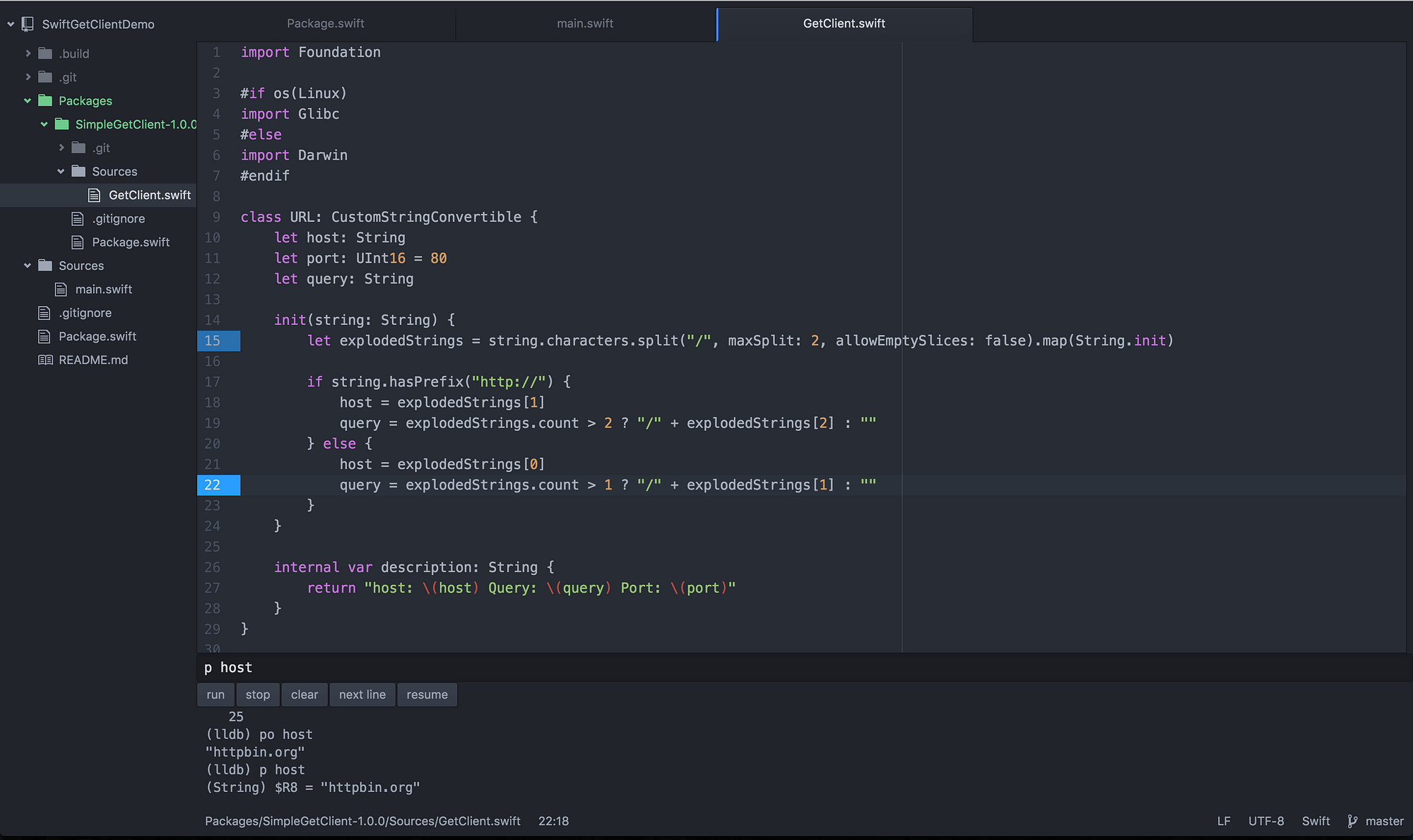
Atom is a customizable text editor that supports Golang development through community-maintained Go packages.
It provides basic Go editing capabilities such as syntax highlighting and code navigation, with most language-specific functionality relying on external packages rather than built-in support.
Atom is a flexible text editor that allows building Golang by enabling Go packages, maintained by the community. It features simple Go editing features, including syntax highlighting and code navigation, and most language specific features are not part of the implementation, but are implemented by external packages.
It also makes sense for developers who already use Atom and occasionally need to touch Go code. Go support can be added through lightweight packages that provide basic syntax handling and navigation, which avoids complex setup.
This makes Atom a reasonable choice for infrequent Go work, where switching editors or IDEs would add unnecessary overhead.
Pricing and availability
Atom is free and open source. Active development has been discontinued, and no official updates or support are provided.
7. IntelliJ IDEA with Go Plugin
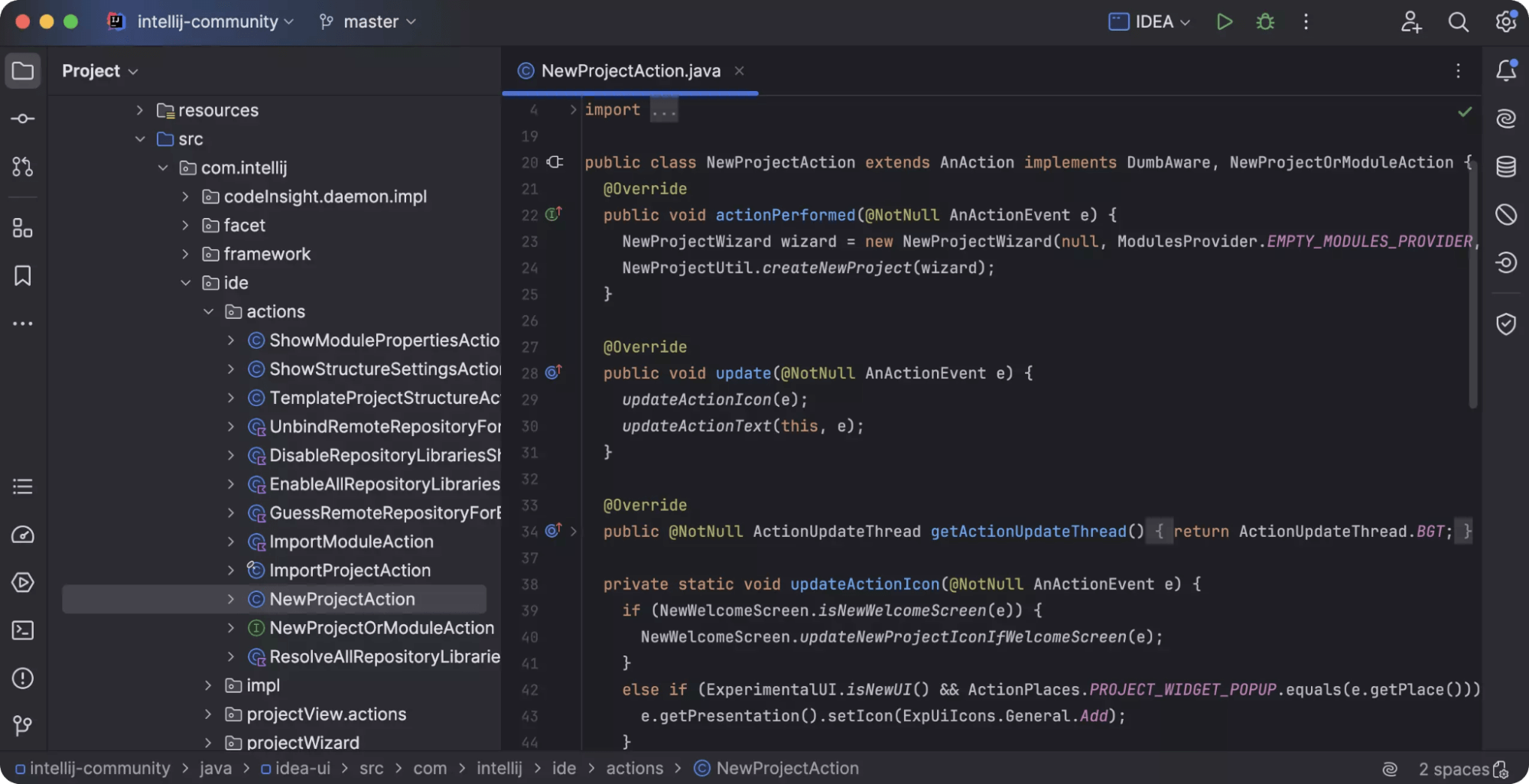
IntelliJ IDEA is a general-purpose IDE which can support Golang with an official Go plugin. Developers who develop in multiple languages and require a single IDE to develop backend, frontend, and Go services tend to use it most commonly instead of a Go-only environment.
The Go plugin provides trustworthy provision on the basic development activities like code navigation, inspection, and rudimentary refactoring.
It has become part of IntelliJ IDEA, with Go code being explored and edited with other services no differently. This contributes to its usability when it comes to the work with Go within bigger systems, but not independently.
IntelliJ IDEA is particularly efficient in teams that are already standardized on it in other languages. The same IDE is used in both backend and frontend, and in Go services, to ensure the consistency of workflows and decrease context switching.
Common version-control, debugging, and project-structure tooling help teams to deal with multi-language stacks within a single environment, which may in many ways be more useful than having that specific Go tooling.
Pricing and availability
IntelliJ IDEA is available in Community (free) and Ultimate (paid) editions. Go support is included via the Go plugin.
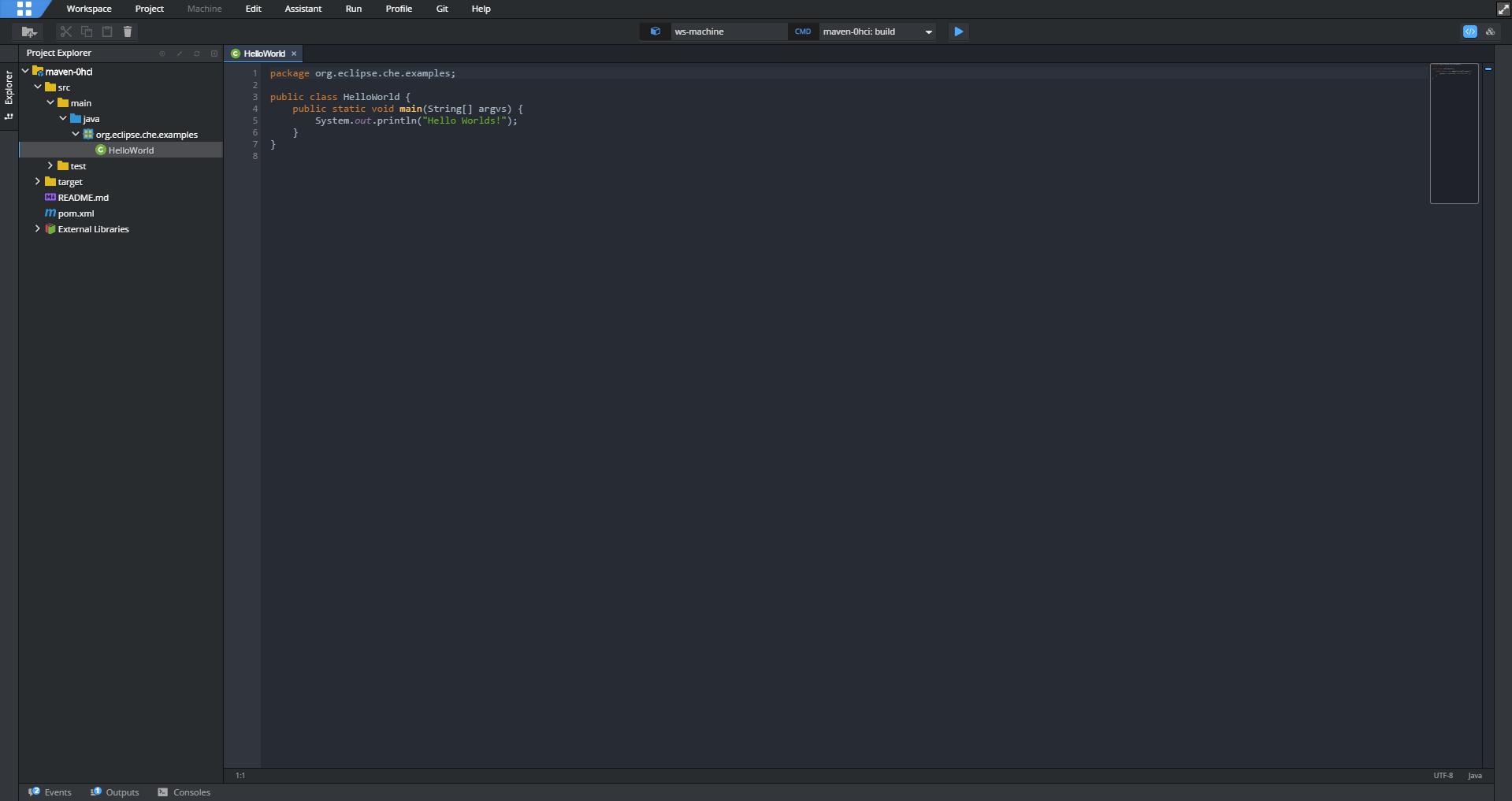
8. Eclipse with GoClipse
Eclipse is an IDE that is popular in supporting several programming languages, and through GoClipse, it can be used to develop Golang. Go support is not inbuilt, but added as a bunch of plugins, and the experience is highly dependent on the stability of the plugins and their configuration.
Eclipse with GoClipse is predominantly applied in an environment where Eclipse is already the standard IDE.
To software creators in Java-intensive and/or mixed language systems, this enables Go applications to co-exist with existing services in the same workspace.
The benefit lies in continuity: teams do not have to add an individual tool to assist Go.
Pricing and availability
Eclipse is free and open source. Go support is provided through community-maintained plugins such as GoClipse.
Platform Compatibility (Windows, macOS, Linux)
Golang IDEs mostly support Windows, macOS, and Linux, although platform support is not typically an equal consideration in practice. The differences are typically manifested in the ease with which the IDE can operate with the operating system, as opposed to the features of the Go language.
Go development tools on macOS and Linux would be more compatible with the native command-line environment. Testing, debugging, and terminal integration are common features of IDE, and typically they work predictably since they make use of the same tooling developers are already familiar with outside the editor. This usually leads to a reduced number of environment-specific problems.
Go IDEs can be used in Windows to full effect, though the behavior may be less predictable based on how the IDE can integrate with the file system, shell, and debugging tools. These dissimilarities are most crucial to the teams operating across operating systems or sharing documentation and workflows.
In the case of cross-platform teams, the safest option will be an IDE that works in a similar way on all three operating systems. Stability in behavior leads to less friction in the environment, simplifies the onboarding process, and eliminates platform-specific troubleshooting, which delays development.
GoLang's relevance in recent years
Golang (Go) has attained significant momentum in the development community over the last few years and is now considered one of the most significant programming languages to build modern infrastructure. Go was created by Google in 2009 with simplicity, efficiency, and scalability in mind, which are values that the developers of cloud-based applications, microservice, and backend systems can strongly identify with.
This is the reason Go has remained popular:
Concurrency Model: Go allows applications to effectively run many tasks simultaneously with ease because of its support of concurrency, which is not complicated with goroutines. This becomes especially important in the modern-day when high-performance systems are required to process multiple requests at the same time, including processing of large-scale traffic in web applications or data pipelines.
Cloud-Native Development: As the cloud-computing system turns out to be the key to contemporary software architecture, the design of Go fits this transition perfectly. Its low memory and fast execution are reasons why it is a good choice among Cloud computing incorporates programming languages in which efficiency and scalability in distributed systems are paramount.
Microservices Architecture: Go has been the most efficient language in managing a great quantity of microservices, which have led to its use by companies embracing microservice architecture. Netflix, Uber, and Dropbox are among the tech giants that migrated important parts of their system to Go and used the speed and ability to work in parallel with Go to scale effortlessly.
DevOps and Containerization: Go is widely applied to create the tooling of the DevOps environment. Kubernetes, Docker, to Terraform, all popular platforms in the containerization and automation of infrastructure, are all written in Go, further citing its importance in the latest software infrastructure.
Simplicity of use: Go has advanced functions such as concurrency and resourceful memory administration, but it has a straightforward syntax. Its learning curve is a bit more generous than other (similarly able) programming languages (such as C++ or Rust), and the language is accessible to both the experienced and the inexperienced
How to choose the right IDE for Golang development
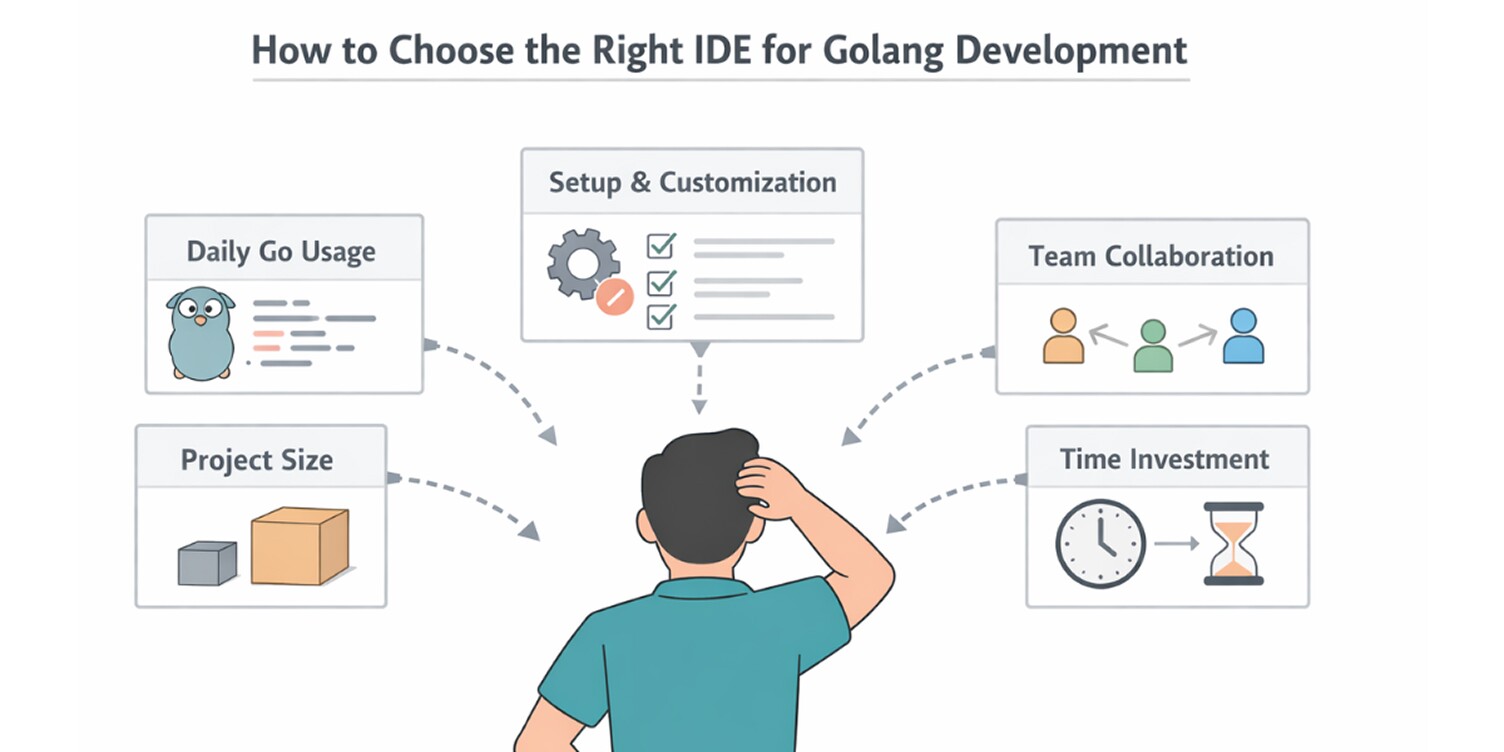
The selection of an IDE to work with Golang is less about feature lists and more about how Go would fit into your everyday work. The same device may prove to be effective in one place and restricting in another. This part is concerned with the practical considerations that ought to inform such a decision.
Role of Golang in Your Daily Work
When you are working mostly in Golang, and most of your time is related to maintenance of Go services or libraries, an IDE that already supports Go generally eases the pain.
Daily work tasks, package navigation, interfaces, reviewing changes, and others all overpower daily work, and the ineffective support of Go makes them slow down.
Go awareness IDEs are more inclined to support these tasks in a more reliable and less workaround manner.
Provided that Go is not the sole language in a variety of languages, a general-purpose IDE can prove more convenient, although Go support might be somewhat less focused.
Project Size and Codebase Longevity
Tooling requirements are directly related to the size of Go project and its life cycle. Short-term or small projects have less requirements in terms of navigation and refactoring support.
Services that last long, in their turn, need tooling that enables one to look at unfamiliar code easily, follow the execution paths, and make changes without causing any side effects unintentionally.
The support of IDE becomes a necessity as the codebases continue to increase.
Installation and Continuous Customization.
Certain IDEs are active as they are, and others rely on extensions and external tools. This does not merely represent a first-time decision. In the long-term, configurations that are heavy need to be maintained, updated and troubleshooted.
Teams must decide on whether they will have a system that will act predictably by default or require a routine when it comes to being dependable.
Team Consistency and Collaboration
The IDE behavior is not only influencing the individual productivity, but also in a team setting. It has an impact on the speed of onboarding, debugging, and the ease with which developers can review and comprehend the changes made by other developers.
TIMEST that reveals surface, references, and context always contribute to the minimization of tribal knowledge.
Very tailored configurations can be effective with a certain individual but when shared among people in a team tend to create tension.
Testing and Debugging Workflow Fit
The actual strengths and weaknesses of an IDE are depicted by testing and debugging processes.
The tools that combine these workflows with the editor enable one to ease through the execution and investigate failures, as well as to run specific tests, by not losing track of focus.
Thick workflows are possible, but lead to more context switching and make iterations slow. The correct decision will depend on the frequency with which these activities are in your day to day working.
Cost Versus Time Investment
The cost must be considered on the basis of time saved and not only on license fees.
Paid IDEs provide direct costs but may save time on tool configuration and limiting work.
Free editors do not require initial expenditure, but regularly transfer that expenditure to set-up, maintenance and inconsistency as projects change.
In long-lived Go projects, time is likely to dominate license price.
These aspects combined allow further refining IDE options, guided not by superficial characteristics or popularity but by actual developmental limitations.
Conclusion
No single IDE can be used to cover all Golang workflows. Which alternative is the right alternative will vary depending on the amount of time you spend in the Go code, the size of your projects, and whether you are working by yourself or with a group.
The point that is important in the real world is that an IDE must assist you in navigating through the existing code, test and debugging issues without halting your progress.
The selection of an IDE is all about making work in the day to day life as friction free as possible. The instruments discussed in this guide vary in the way they go about that aim. Knowledge of such trade-offs allows choosing an IDE that does not work against you to support your workflow.
Frequently Asked Questions

 WhatsApp
 Call Us
 Mail Us